Revised – April 2021
Access to GCKey Secure Login Provider
This document is for new users to access the CSBFP/CALA Online Loan Registration Application.
If you have any problems with creating your GCKey account or your My ISED Account, please contact your User Administrator within your financial institution.
Index
- Step 1 – User Set-Up by a User Administrator
- Step 2 - Create your GCKey secure login provider account
- Step 3 - Activate your My ISED account
Step 1 - User Set-Up by a User Administrator
Your User Administrator within your financial institution will need to set up your CSBFP/CALA Online Loan Registration Application account and send you an invitation by email.
Step 2 - Create your GCKey secure login account
2.1 Recover the email sent by your user administrator
Within the email your user administrator sent you, copy the PIN to use in Step 3 i) below.
Click on the link "sign up for your GCKey secure login provider" you received from your User Administrator. You will have 30 calendar days to activate your account using the link you received in your email.

2.2 Choose GCKey as your secure login provider
-
You are now on the "Choose your secure login provider" page.
-
Choose the option "GCKey" (see below).

2.3 Create your GCKey
- You will now Sign Up for a GCKey.
- You will need to create your Username, Password and Recovery Questions.
- It is very important that you remember your Username, Password and Recovery Questions.
- It is recommended you write these down and keep them in a safe place.
- If you forget your Password, it can be reset.
- If you forget your GCKey Username, there is no method to retrieve it. You will need to create a new GCKey account.
-
Click the Simple Secure Access "Sign Up" button on the right hand side of the screen (see below).

-
Click the "I accept" button to accept the Terms and Conditions of Use (see below).

-
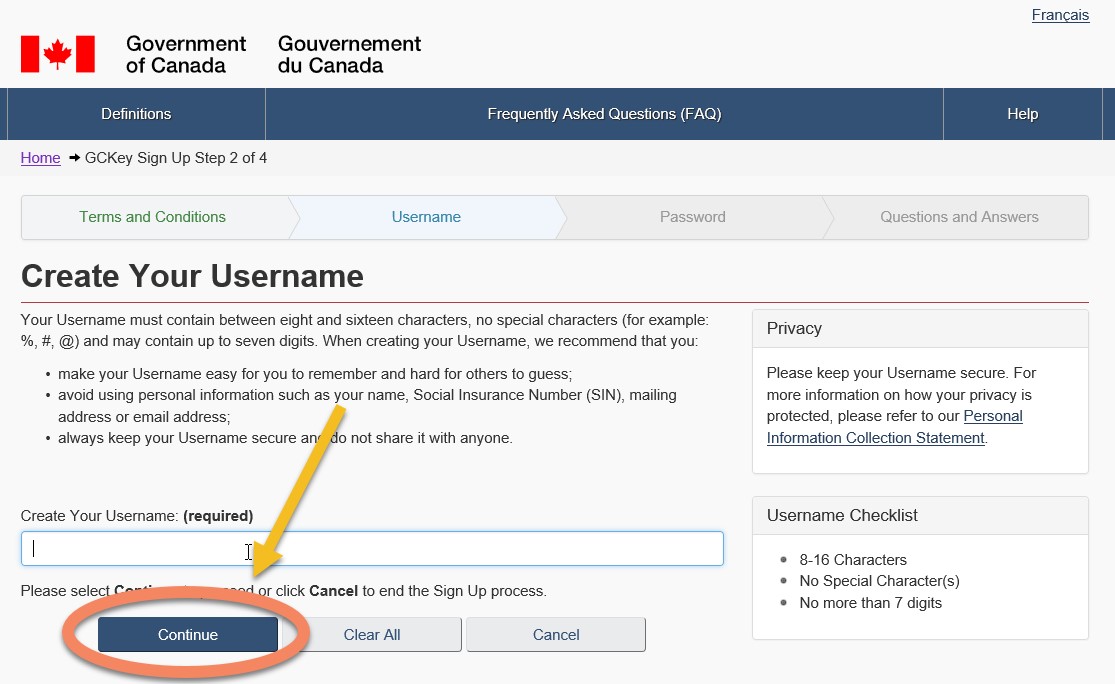
Create your Username.
Click the "Continue" button (see below).
-
Create your Password.
Click the "Continue" button (see below).

-
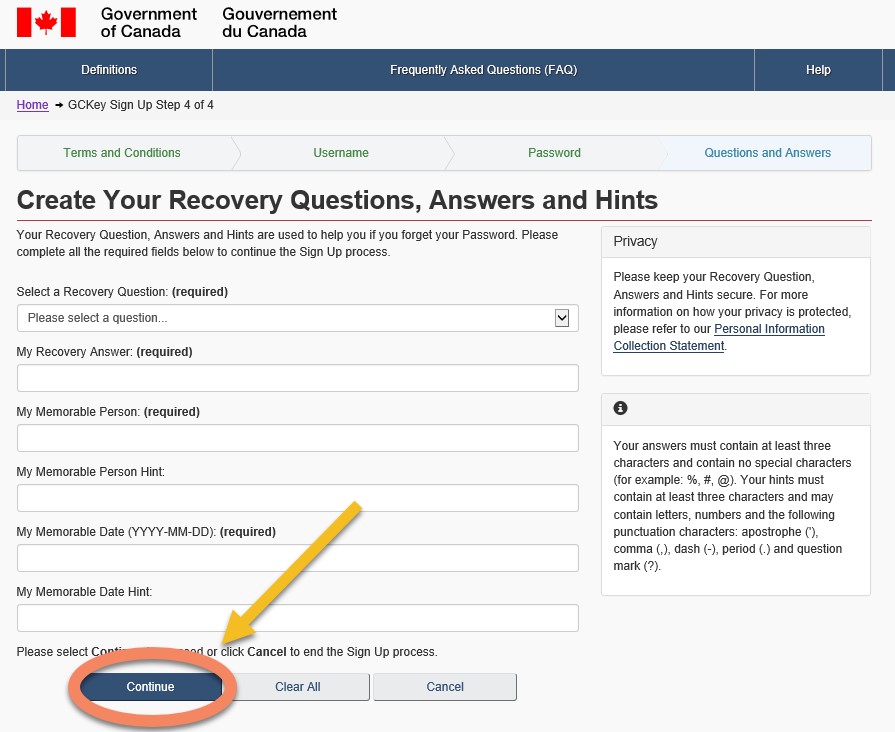
Create your Recovery Questions.
Click the "Continue" button (see below).
-
Your GCKey is now created.
Click on the "Continue" button to confirm your User Profile for the CALA/CSBFP Online Loan Registration Application (see below).

Step 3 – Activate your My ISED account
The following steps will link your GCKey with your My ISED account. Once completed, you will be brought to the CSBFP/CALA Online Loan Registration Application.
-
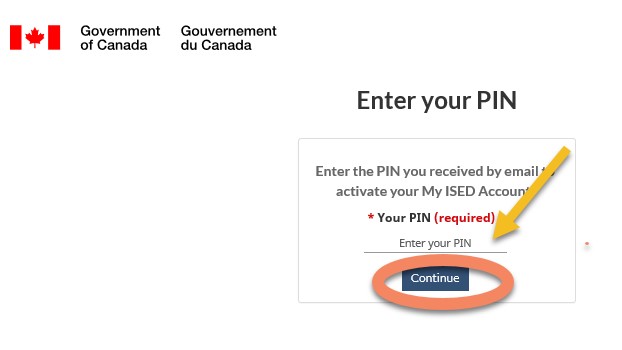
Enter the PIN that you copied from the email you received in step 2.1.
Click on the "Continue" button (see below).
-
Confirm your ISED account information by clicking on the "Continue" (see below).
Your email address cannot be modified, please contact your User Administrator if it is not correct.

-
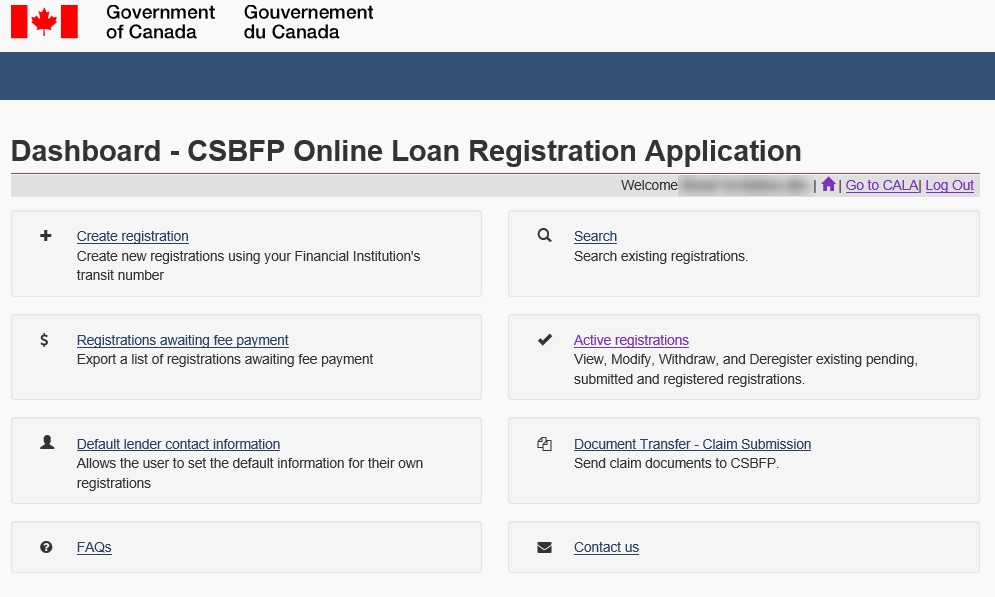
This will complete the steps in creating your account in the CSBFP/CALA Online Loan Registration Application. You will automatically be directed to the application (see below).